
Why is my camera taking so many photos?
If you've opened your SD card and been met with a few thousand images after just two weeks to a month in the field, you are not alone and that's completely normal for Snapshot NY! This is one of the most common questions we get from volunteers, so let's break down why it happens, why our settings are designed this way, and what you can do to cut down the number of images your camera takes.
Why You're Getting So Many Photos
A few thousand images over a deployment period sounds like a lot, but it's expected given how our cameras are configured. There are some things that can cause the camera to trigger unnecessarily. Here are a few common culprits, and some easy fixes:
Camera direction matters. Facing your camera north is your best bet, with south as the next best option. Facing east or west will cause the camera to trigger constantly as the sun moves across the sky and casts shifting shadows, since your camera reads that as motion.
Clear the vegetation. Any grass, branches, or leaves swaying in front of the lens will trigger the sensor. Take a minute before you walk away to clear anything in the immediate field of view, it'll cut down on false triggers and make for cleaner photos.
Watch your tilt. About a third of your image frame should be ground. If the camera is angled too high, it'll pick up the tree canopy swaying overhead and trigger repeatedly. A small stick wedged behind the camera is an easy way to adjust the tilt until the angle looks right.
Check that it's mounted securely. A camera strapped to a small, flexible sapling will sway in the wind and rack up false triggers just like loose vegetation would. When you can, mount to a sturdy, stationary tree, and make sure the strap itself is pulled tight. A loose strap can flap in the wind and trigger the sensor just as easily as a swaying branch.
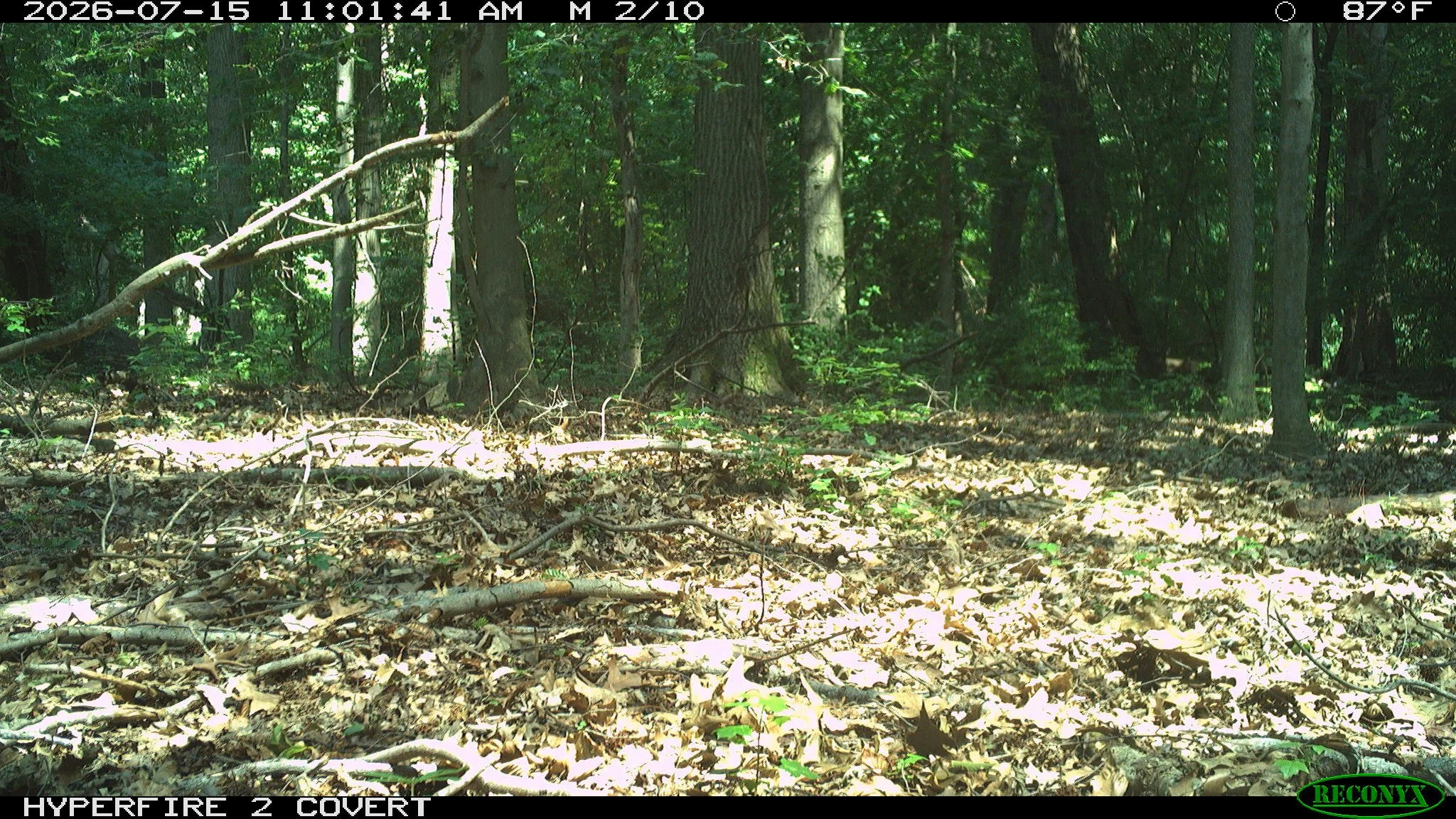
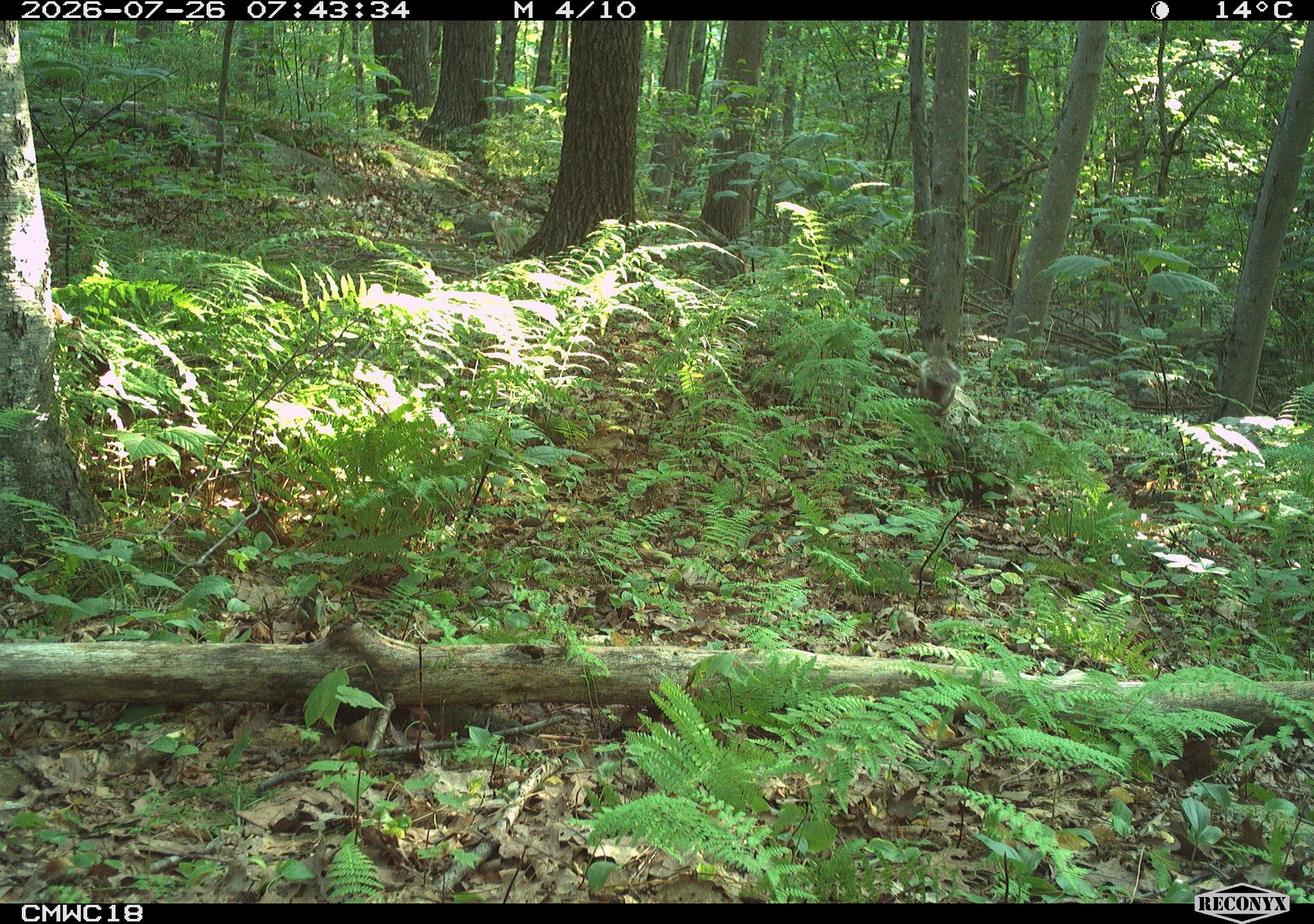
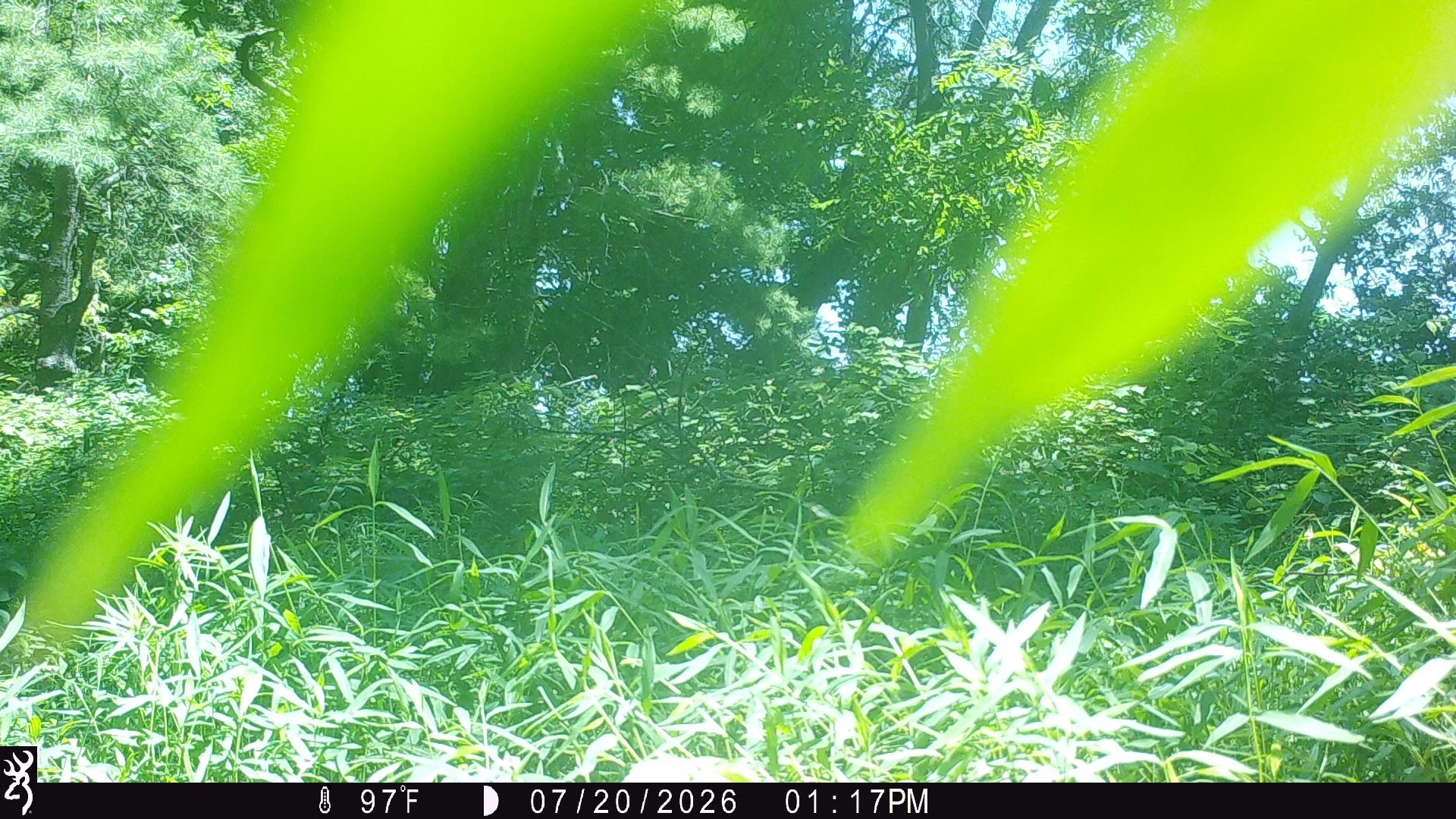
Examples of sun glare and too much vegetation close to the camera.
Why We Use the Settings We Do
You may have noticed we ask you to set a 1.0 second delay between photos, use your camera's maximum burst setting (10 photos for Reconyx, 8-shot rapid fire for Browning, and usually 5 for Bushnell), and set sensitivity to high. These aren't arbitrary, they're deliberate choices tied to the science!
Snapshot NY is trying to detect species with a naturally low detection probability, bobcat being a great example. Detection probability is essentially the likelihood that a camera will capture an individual animal if it's actually present in the area. Elusive, wide-ranging, or naturally shy species like bobcat pass by cameras less often and linger for shorter windows than something like a white-tailed deer, so they're inherently harder to detect. A short delay between shots, a full burst setting, and high sensitivity all maximize our chances of catching that split-second window when a low-detection species walks through the frame. If we used more conservative settings to cut down on image volume, we would very likely also cut down on our chances of detecting the species we care most about.
It's also worth remembering that camera trap data is a sample, not a full census. A busy card from one location doesn't necessarily mean more animals are living there than at a quieter site, and a quiet card doesn't mean an area is empty of wildlife, it just reflects what happened to pass through that camera's narrow field of view during your deployment. High image counts are simply part of how this kind of sampling works.
Don't Worry About the Volume — We've Got It Covered
We know scrolling through thousands of images sounds overwhelming, but the volume isn't a problem on our end. Every photo is run through MegaDetector, an AI model that automatically separates out blank images (the ones triggered by wind, shadows, or nothing at all) before a human ever needs to look at them. Even though MegaDetector filters blank images out of the identification workflow, we still need them for the analysis. Detection probability and occupancy models rely on knowing exactly when a camera was actively monitoring and how much time passed between animal detections (not just the moments an animal showed up). Blank images (and timestamps) essentially tell us the camera was on the job the whole time, which is what lets us calculate how likely we were to miss a species that was actually there versus one that simply wasn't present at all. From there, we use DeepFaune New England to handle species identification and tagging on the images that do contain animals. We only need to manually review a portion of these images. So while your SD card might feel like a lot, our pipeline is built to handle that volume efficiently. You can upload your images as-is, with no obligation to review a single image yourself first.
Tips for Looking Through Your Own Photos
If you like to browse your own images out of curiosity before sending them our way, here are a few tricks to make it faster:
Use extra-large icons. In your computer's file explorer, switch the view to extra-large icons instead of opening photos one by one. You can often tell at a glance whether a thumbnail is blank or has an animal in it, which speeds up sorting dramatically.
Skim the nighttime images first. Nighttime photos are your best bet for spotting mammals, since many of our target species are more active after dark. If you're short on time, start there.
Sort by file size. Blank or near-blank images (all sky, all ground) tend to compress to a smaller file size than images with an animal filling more of the frame. Sorting your folder by file size can help surface the more "eventful" photos.
If you’re feeling extra tech savvy, try using a image sorting program yourself! Several free or low-cost AI tools can help you sort through your own photos at home. MegaDetector, the same model we use, is available for anyone to run and will automatically flag which images contain animals. Wildlife Insights, a platform built by Google and Conservation International, takes it a step further by also attempting species-level identification. Wildlife Dashboard is another option worth a look. It combines AI species detection with tools for organizing and comparing captures across sites. Just keep in mind these tools are a fun way to explore your own data and they don't replace the official identifications we run on our end.
Thanks for your patience with the process, and for helping us collect the data that makes Snapshot NY possible! If you have more questions about your camera setup, don't hesitate to reach out.
-The Snapshot NY Team